Reports and automation are advertised Pro capabilities; verify the installed package includes each report and trigger described by your workflow.
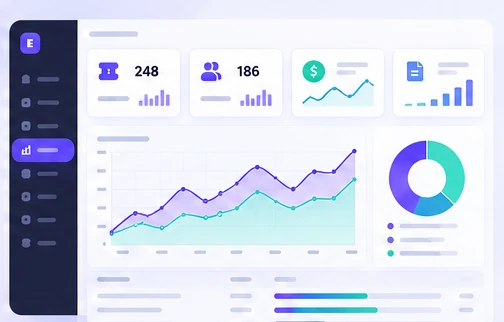
Validate reports
- Create a small test dataset with known event, booking and payment outcomes.
- Open each report and record its date range, filters and status definitions.
- Compare totals against the underlying booking records.
- Check timezone boundaries, cancelled bookings, refunds and currency aggregation.
- Export a report only if the release supports it, and restrict the resulting file.
Validate automation
- Identify the trigger, intended recipient/system and data fields.
- Use a test destination and synthetic attendee data.
- Test success, failure, retries, duplicate delivery and disabled credentials.
- Review logs and ensure sensitive data is not sent unnecessarily.
- Document how to disable the automation quickly.