Availability note: recurring events are advertised in the Pro package description. Confirm that the exact Pro ZIP installed on your site implements this feature before planning a live workflow.
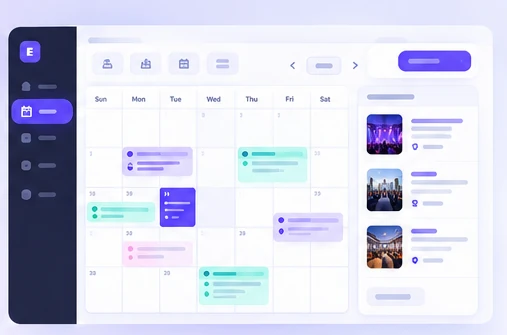
Recommended workflow when supported
- Create the event’s primary details first: title, description, venue, organizer and category.
- Choose the recurrence pattern offered by your version (for example daily, weekly or monthly).
- Set an explicit start date and an end date or occurrence limit if available.
- Review the generated occurrences on a calendar before publishing.
- Test what happens when editing one occurrence versus the full series.
- Test cancellations, exceptions, timezone changes and booking inventory for each occurrence.
Do not assume
Do not assume recurrence automatically expands into iCalendar feeds or external calendar sync. Verify recurrence generation, exception handling, edits, deletion and timezone behavior in staging.