Publish the event directory
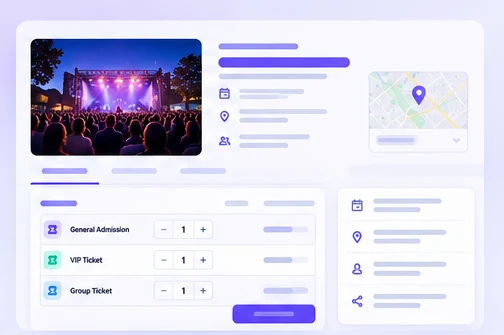
Create a WordPress page such as “Events” and insert a Shortcode block containing:
[evqra_event_list]Publish the page and test it as a visitor. The Core directory is described as supporting keyword, category, venue, organizer and date filters, plus an AJAX load-more interaction.
Recommended setup
- Use a clear page title and a short introduction.
- Place the shortcode in its own block so it is easy to maintain.
- Check that sample events are published and have future/current dates appropriate to the directory behavior.
- Test every filter separately and in combination.
- Use keyboard navigation and narrow mobile widths to check that controls remain usable.
If results are missing
Confirm Core is active, events are published, and category/date filters are not excluding all records. If the load-more button fails, inspect browser errors, caching/minification plugins and server logs before disabling other plugins on a staging site.