Reusable venue and organizer records reduce duplicate data and keep event pages consistent.
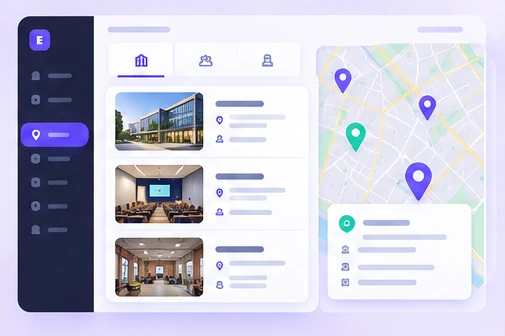
Create a venue
- Open the Venues area in EventQora and select Add New.
- Enter the public venue name and a clear description.
- Add the address and location details supported by your installed version. Verify spelling and postal information.
- Add a venue image if appropriate, then save/publish.
- Open the public venue profile and check the address and layout.
Create an organizer
- Open Organizers and choose Add New.
- Enter the organizer name, description, logo/image and supported contact or website details.
- Publish and preview the public profile.
Attach records to events
Edit an event and select the correct venue and organizer in the corresponding fields. Preview the event and confirm that the relationship is displayed. Reuse existing records instead of creating near-duplicates such as “Main Hall” and “Main hall”.
Directory shortcodes
[evqra_venue_list limit="12"]
[evqra_organizer_list limit="12"]
[evqra_single_venue id="45"]
[evqra_single_organizer id="78"]
Troubleshooting
If a profile does not appear, confirm it is published, the ID is correct, and the related shortcode is present on the page. Maps are an optional external service: configure keys securely and disclose third-party processing where required.